How to add your business to Firmy.cz: a guide for businesses in the Czech Republic
Firmy.cz is particularly relevant to businesses serving customers in the Czech Republic. Its business information can appear across Seznam's services, including Mapy.com, formerly Mapy.cz. It is a local directory and mapping channel to consider alongside a Google Business Profile, rather than a substitute for an international business listing strategy.
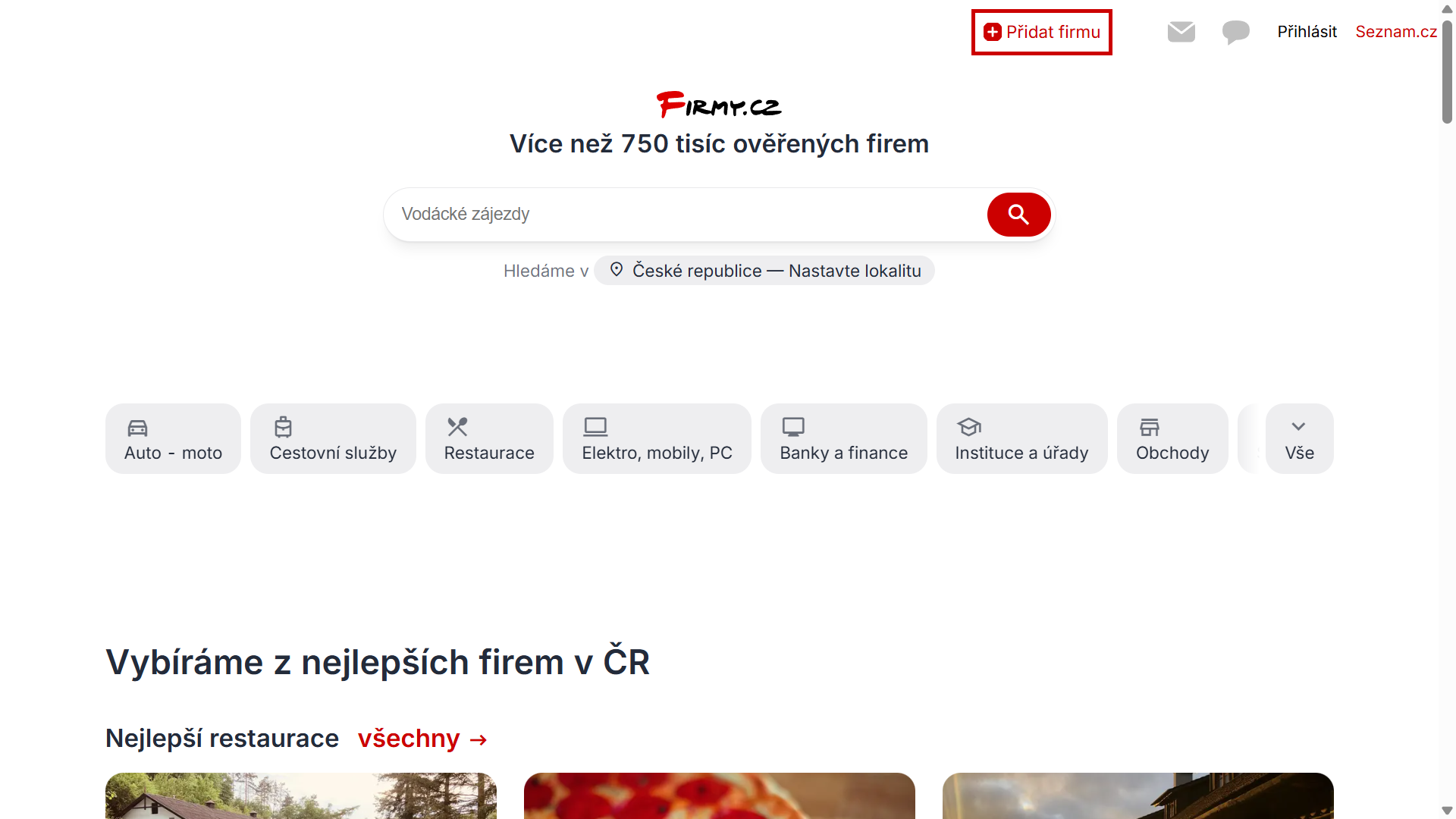
Example from Seznam's business setup process. Check for an existing listing before creating a new one. The administration interface and help resources are primarily in Czech.
What to prepare
- A Seznam account that will remain under the business's control.
- The business name, Czech registration number (IČO) where applicable, phone, email and website.
- The relevant premises or registered address, following the directory's listing rules.
- A concise description, opening hours and the appropriate business category.
- A logo and genuine photographs of the premises, work or products.
Firmy.cz's rules apply to active businesses operating in the Czech Republic. If your activity does not have an IČO, check the official instructions for the supported registration route rather than entering an invented number.
Step 1: search for the business first
Search Firmy.cz for the business name and location. A profile may already exist. If you find the correct listing, request access to manage it instead of creating a duplicate.
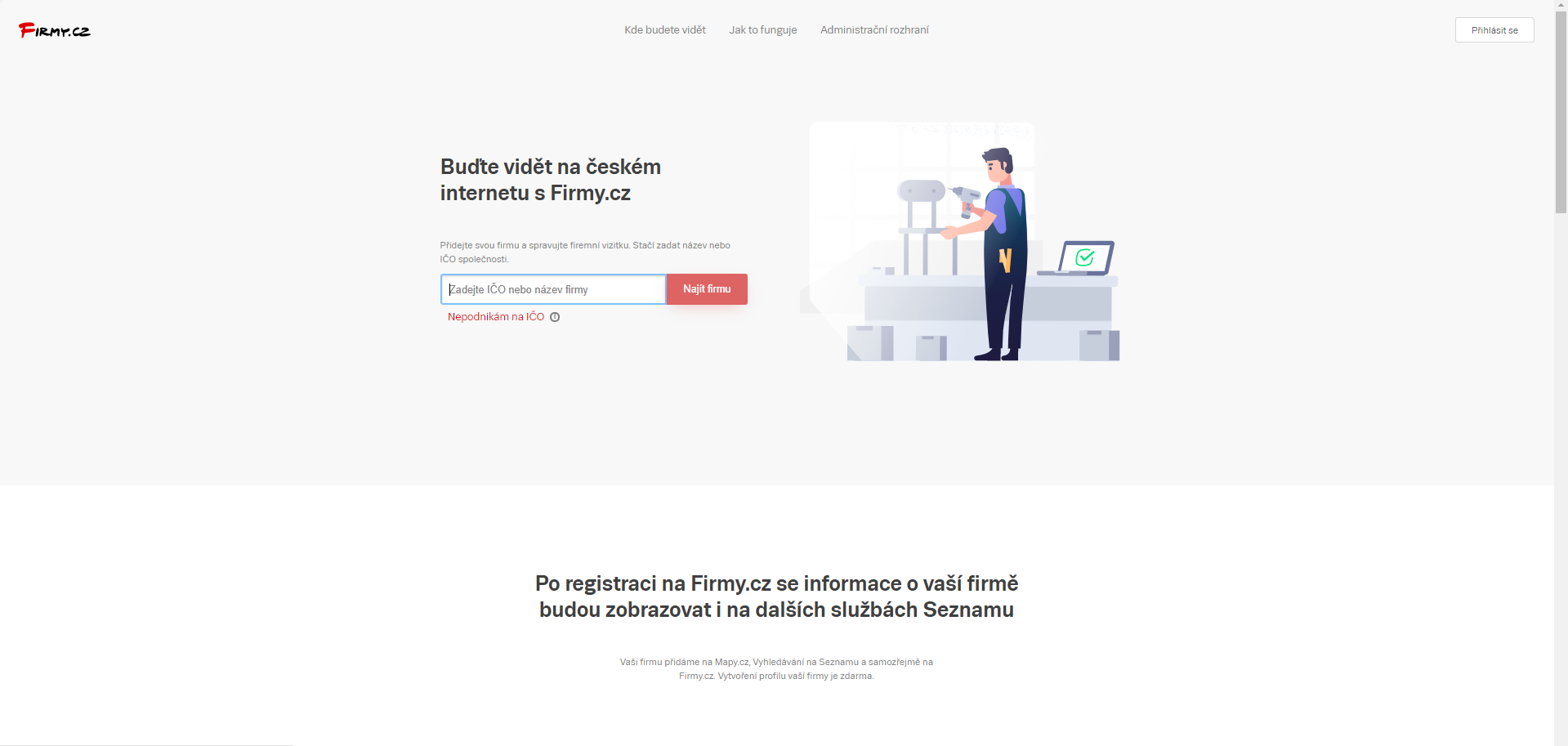
The setup process checks for similar existing records. Confirm that the result represents the right business or branch before proceeding.
Step 2: sign in to the administration
Use the intended Seznam account. The direct starting point is the add-business process, while the general administration is at admin.firmy.cz. If redirected to sign-in, use an account the business will retain long term.
Step 3: add or claim the listing
Follow the option for adding your business or taking over management of the existing profile. Enter the required identification and contact details. If a matching profile is found, continue through the ownership process instead of adding another version.
Step 4: choose the relevant category
Select the category that accurately describes the main activity. If the business offers several services, use the available description and additional fields to explain them. Avoid choosing an unrelated category solely because it appears more popular.
Step 5: add the description, website and hours
Explain what the business does, whom it serves and where it operates. Keep the description specific and factual. Use the appropriate website destination and the same core contact information as your other official channels.
If campaign measurement is part of the agreed setup, a website link with suitable UTM parameters can help identify visits from Firmy.cz. That measurement depends on the website's analytics and consent configuration.
Step 6: add a logo and photographs
Use images of the actual business, team, premises or products where appropriate and authorised. A service business without a public shopfront can show genuine work instead. Avoid photographs that imply a location or capability the business does not have.
Step 7: complete the required checks
Seznam may require evidence that you are authorised to manage the profile. Follow the current instructions in the administration. The process can differ for a new listing and an existing one, and submission does not guarantee immediate approval or display.
What we check
- Whether an unintended duplicate listing exists.
- Whether the name, phone, address and website are consistent with the business's own information.
- Whether the category describes the actual activity.
- Whether the description clearly explains the service and location.
- Whether visits from the profile can be distinguished in the agreed analytics setup.
Official resources
- Firmy.cz directory
- Add a business
- Firmy.cz administration
- Official instructions for a new listing, in Czech
- Official profile rules, in Czech
Need help?
If we manage your website or agreed local marketing work, send the public listing link so we can review it. Arrange access using the available account-management process rather than sharing a password. The business should retain control of its account and published information.
Frequently asked questions
- Is Firmy.cz the same as Mapy.com?
- No. They are different Seznam services, but business information from Firmy.cz can appear in the mapping ecosystem. Mapy.com was previously known as Mapy.cz.
- What if my business is already listed?
- Request management of the correct existing profile. Do not create an unintended duplicate.
- Do I need a Seznam account?
- The administration uses a Seznam account. Choose one the business can retain and control.